Periscope by Duet
Turn the Apple TV you already own into your own private internet tunnel — your real home internet, anywhere, with no VPN company in the middle.
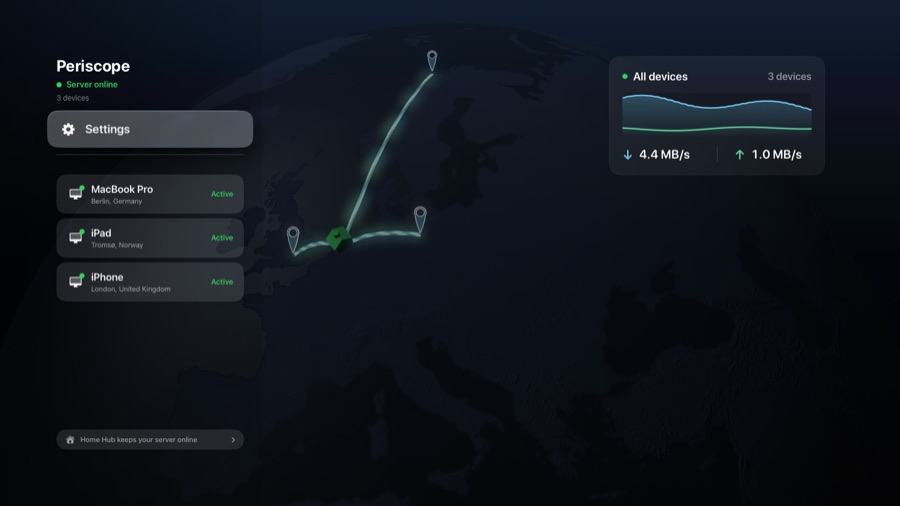
Periscope in server mode on an Apple TV, admitting a Mac, an iPad and an iPhone from three countries. Download full resolution
The story
Routing your traffic back through your own home isn't new — power users have done it for years with Tailscale or a self-hosted WireGuard box, and Tailscale can even run on an Apple TV. But those are developer tools: they assume you're comfortable with an identity-provider login, a web admin console, approving exit nodes, and re-authenticating when keys expire.
Periscope is the version built for everyone else. Its Apple TV app runs a software server mode, so the always-on device already in your living room becomes your personal tunnel endpoint — you pick "Server" on the first screen and set the whole thing up from the TV and your phone. No dashboard, no dev tools. Pair it once, and your iPhone, iPad, Mac or Windows machine connects back to your own home network from anywhere, on your real home IP.
That matters because your home IP behaves like you: banks don't throw fraud flags, streaming and home-country services work as if you were on the sofa, and the captchas that commercial VPN IPs trigger largely disappear. And because your traffic goes to hardware you own rather than through a company's servers, there is no third party in the middle to trust in the first place. It's built on WireGuard with 256-bit encryption, keeps no activity logs, and adapts across direct, NAT-traversal and relay connections to survive restrictive hotel and airport networks.
"You could already route through your own home if you were technical enough. We built the version your family can set up from the couch." — Peter Huszak, Duet
This is not an anonymity tool. Routing through your home uses your real residential IP — the value is trust (no third party) and access (your own IP), not hiding who you are.
It is also not the first VPN on an Apple TV. Tailscale has offered Apple TV exit nodes since 2023, for free. Periscope's claim is ease of setup for non-technical people, not novelty — and we'd rather you wrote it that way.
Four steps, no dashboard
1 · Make the Apple TV the server
Install the tvOS app on the Apple TV at home and pick "Server" on the first screen. It runs as an always-on, low-power exit node for your household.
2 · Connect your devices
The iPhone, iPad, Mac and Windows apps connect back as clients — the same client experience on every platform.
3 · Get your home internet anywhere
Traffic tunnels home over WireGuard and comes out on your real home IP, with NAT traversal and a relay fallback on hostile networks.
4 · Nothing in the middle
No VPN company's servers and no activity logs — the connection is between your devices and your own hardware.
Everything you need to check
| Product | Periscope by Duet — a personal home tunnel, or self-hosted VPN |
| Maker | Duet, Inc. |
| Platforms | iOS 17+, iPadOS, macOS 12+, Windows 10+, and Apple TV (tvOS 17+). The Apple TV can run as either the server or a client — you choose on first launch. There is no Android or Linux client. |
| Under the hood | WireGuard core · 256-bit encryption · no activity logs · direct / NAT-traversal / relay connectivity · real-time connection diagnostics |
| Setup requirement | To serve reliably while idle, the Apple TV must be a home hub — assigned a room on the Apple TV under Settings → AirPlay and Apple Home → Room (named AirPlay and HomeKit on tvOS 17), so tvOS keeps its network extension scheduled instead of deep-sleeping. Most Apple TVs already are, and the app walks you through it. Tailscale's Apple TV exit node has the same requirement. |
| How it differs | Tailscale and self-hosted WireGuard can also route through your home — Tailscale even on an Apple TV — but they're developer tools (SSO, a web admin console, exit-node approval, key-expiry re-auth). Periscope is the consumer-simple, single-purpose version. |
| Pricing | Free 7-day trial, then $19.99/year or $2.99/month on the App Store, or $20/year or $2/month subscribing directly at getperiscope.com. One plan, no tiers. Enterprise plans on request. |
| Data | Unlimited on direct connections — the normal case, where devices reach each other and Duet is not in the data path. Where a network blocks direct connections, traffic falls back to a Duet-operated relay; the plan includes a 5 GB monthly relay allowance as a published fair-use limit. Most people never reach it. |
| License | Proprietary (closed-source) |
| Links | getperiscope.com · App Store · Desktop download |
Honest limitations
We would rather you had these from us than found them yourself:
- Throughput is bound by your home connection's upload speed.
- Your home internet is a genuine single point of failure — if it drops, you're down. The relay forwards traffic to your home; it doesn't replace it.
- The Apple TV must be a home hub to serve reliably while idle.
- Relay use well above the fair-use allowance may be throttled.
- It's closed-source, and there's no Android or Linux client.
- A trial must be started before either server or client use.
Screenshots
Free to use in coverage of Periscope. Click any image for the full-resolution 1920×1080 PNG.
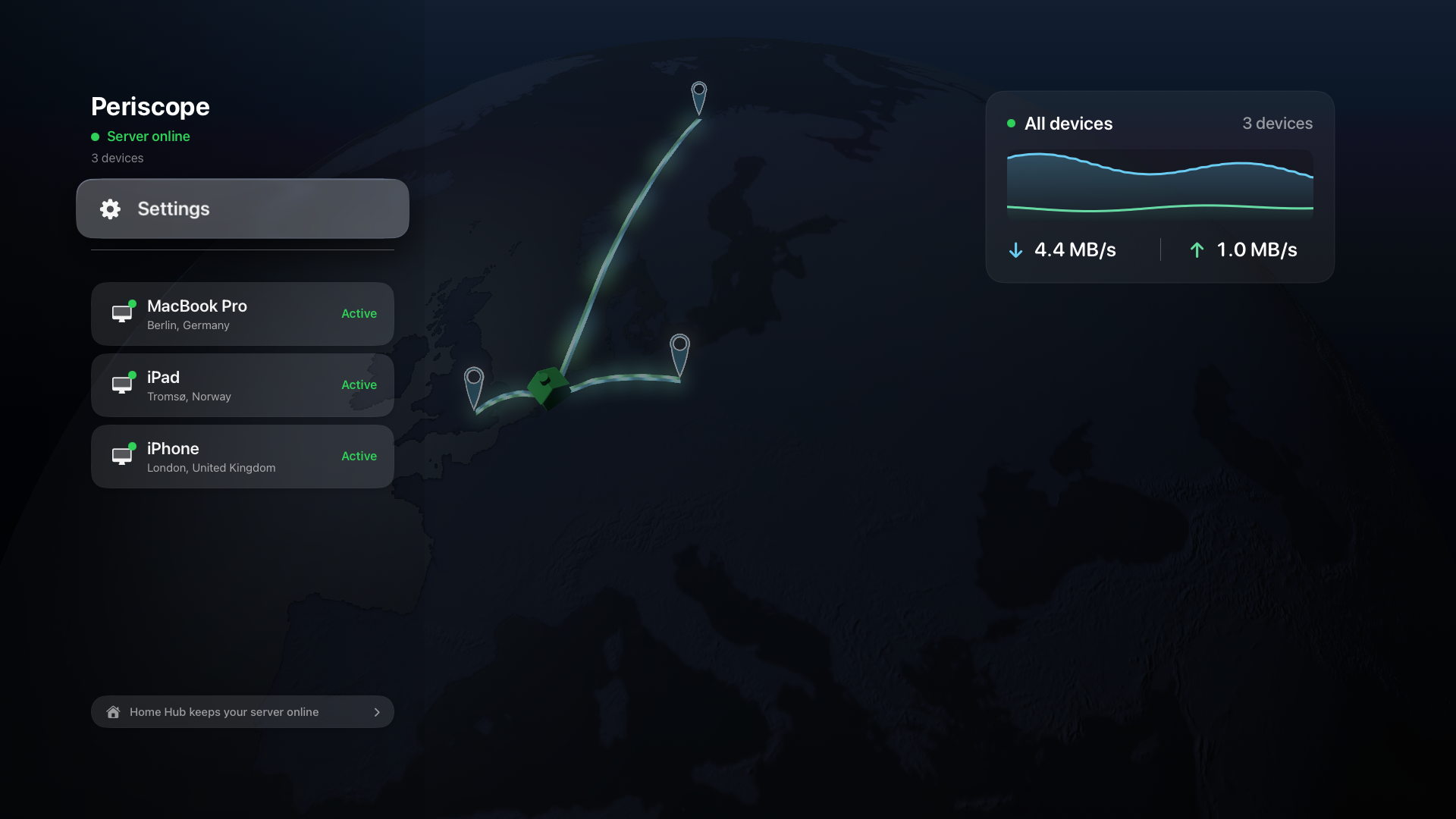
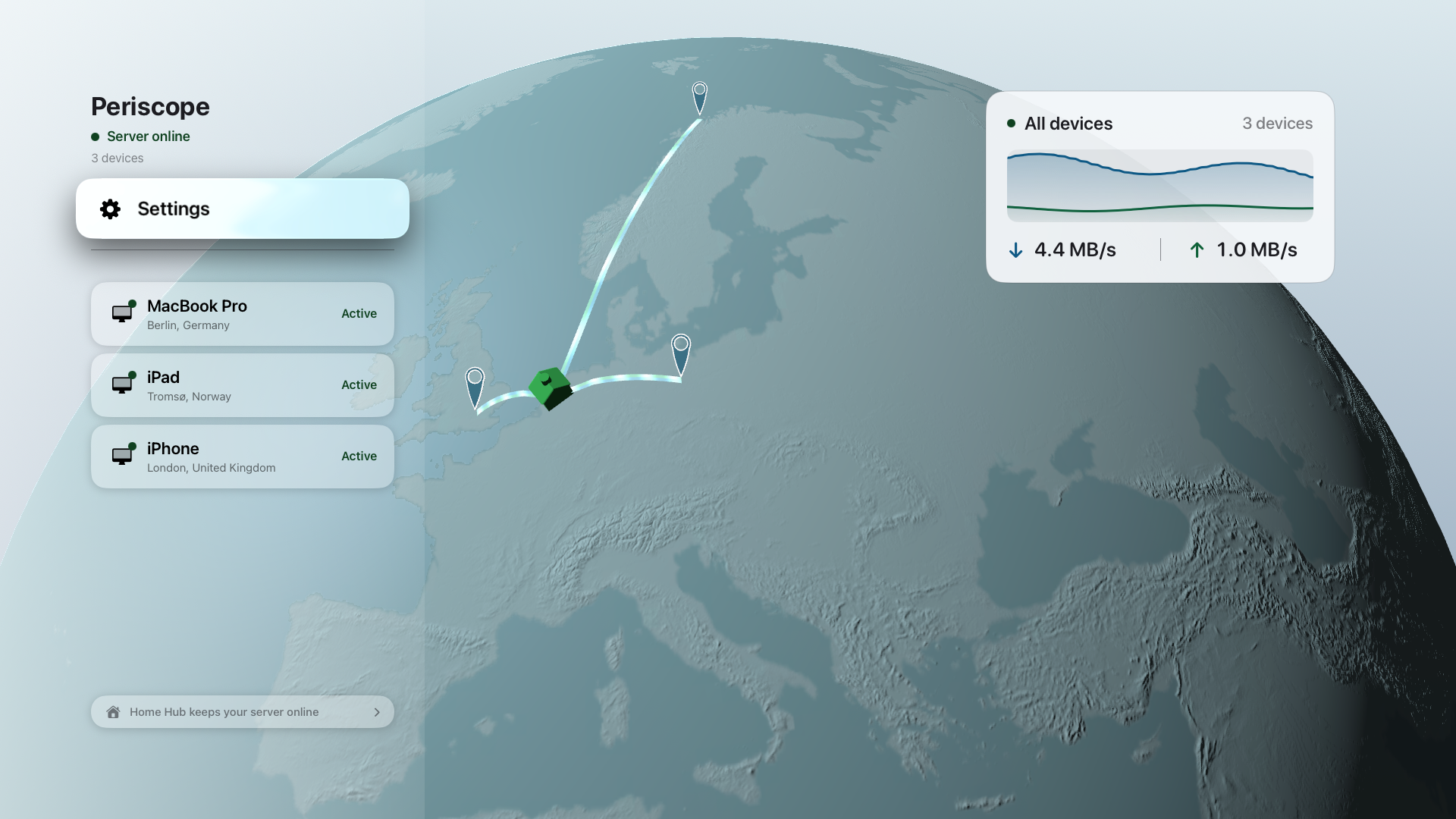
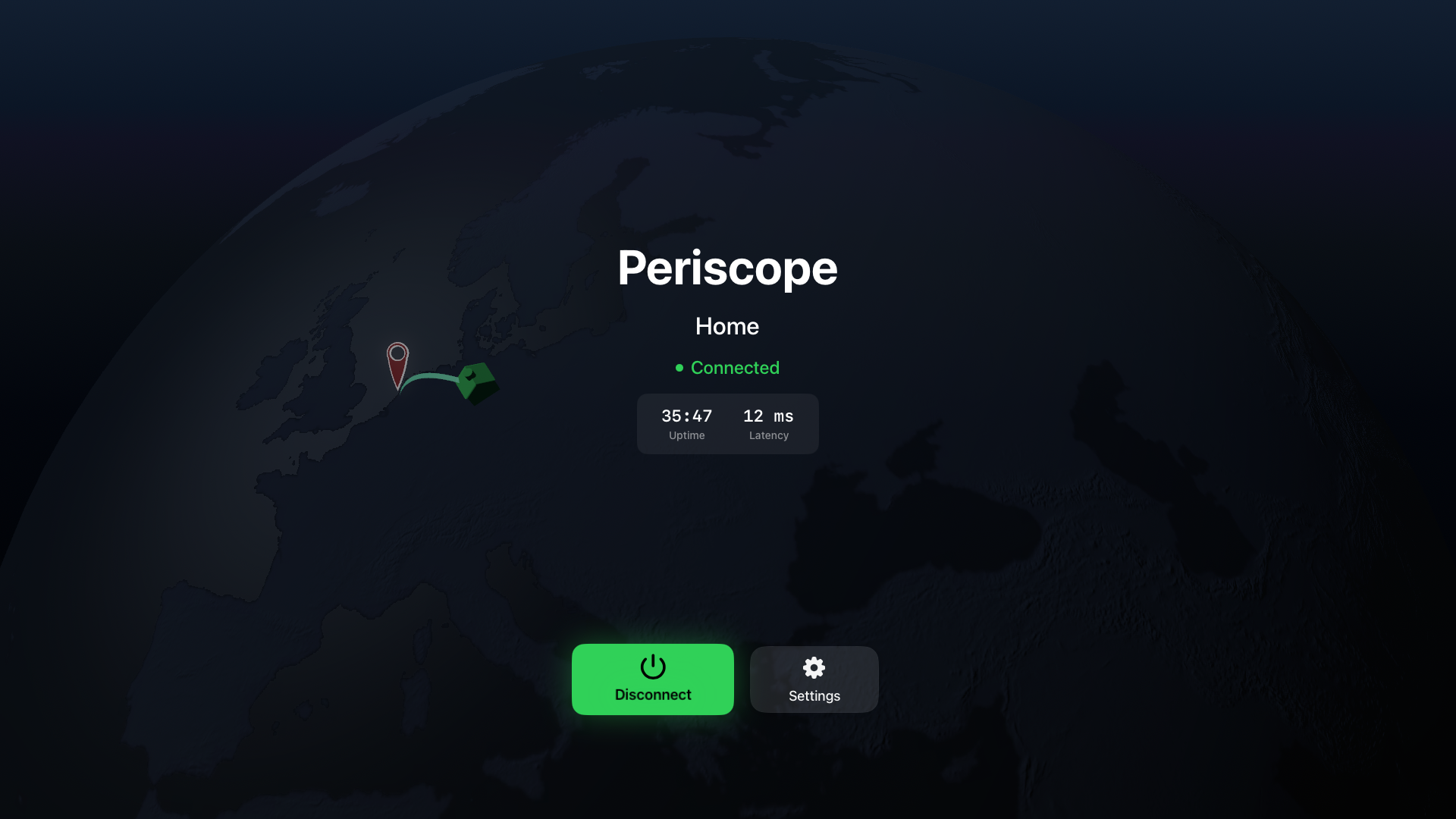
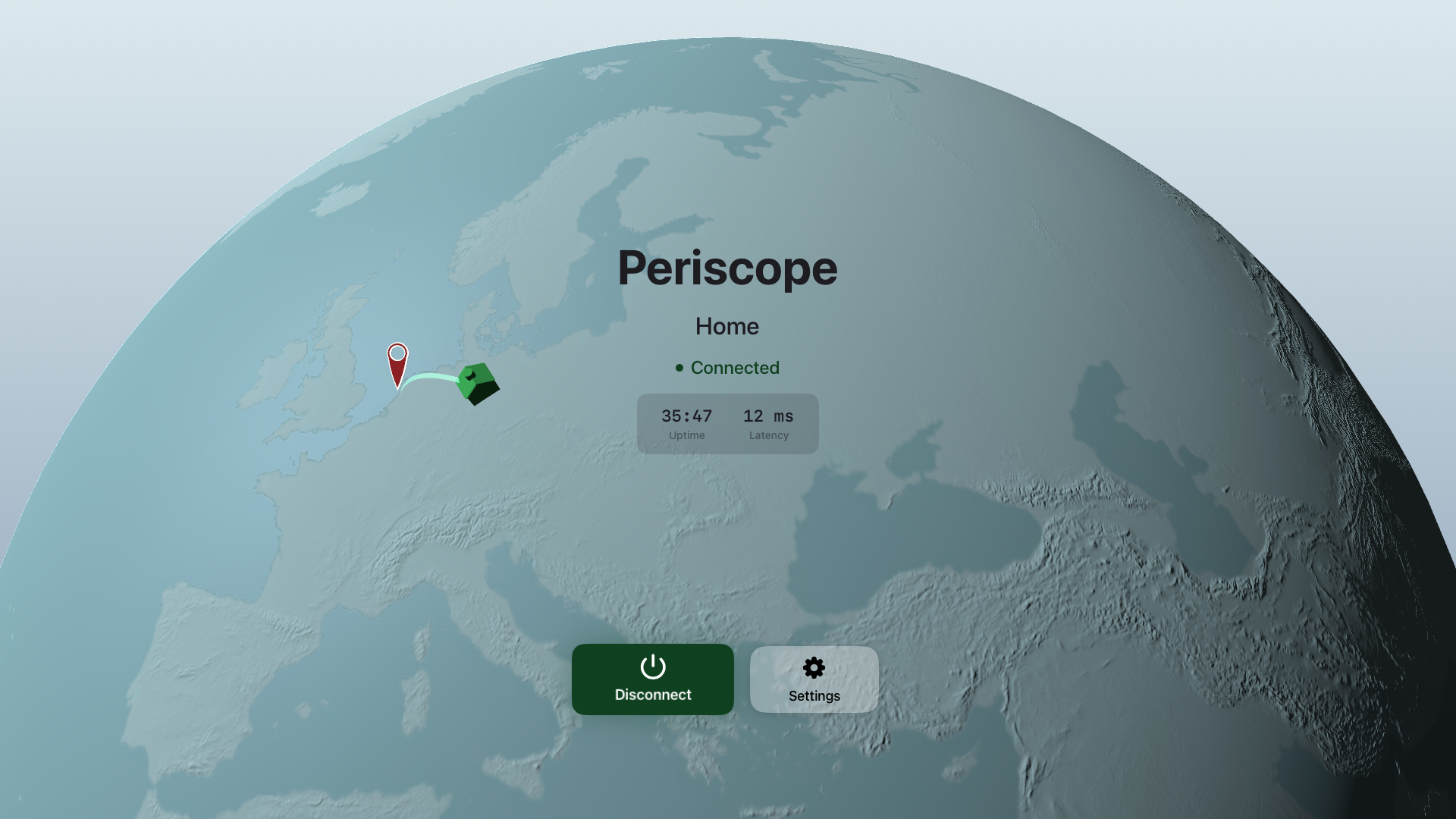
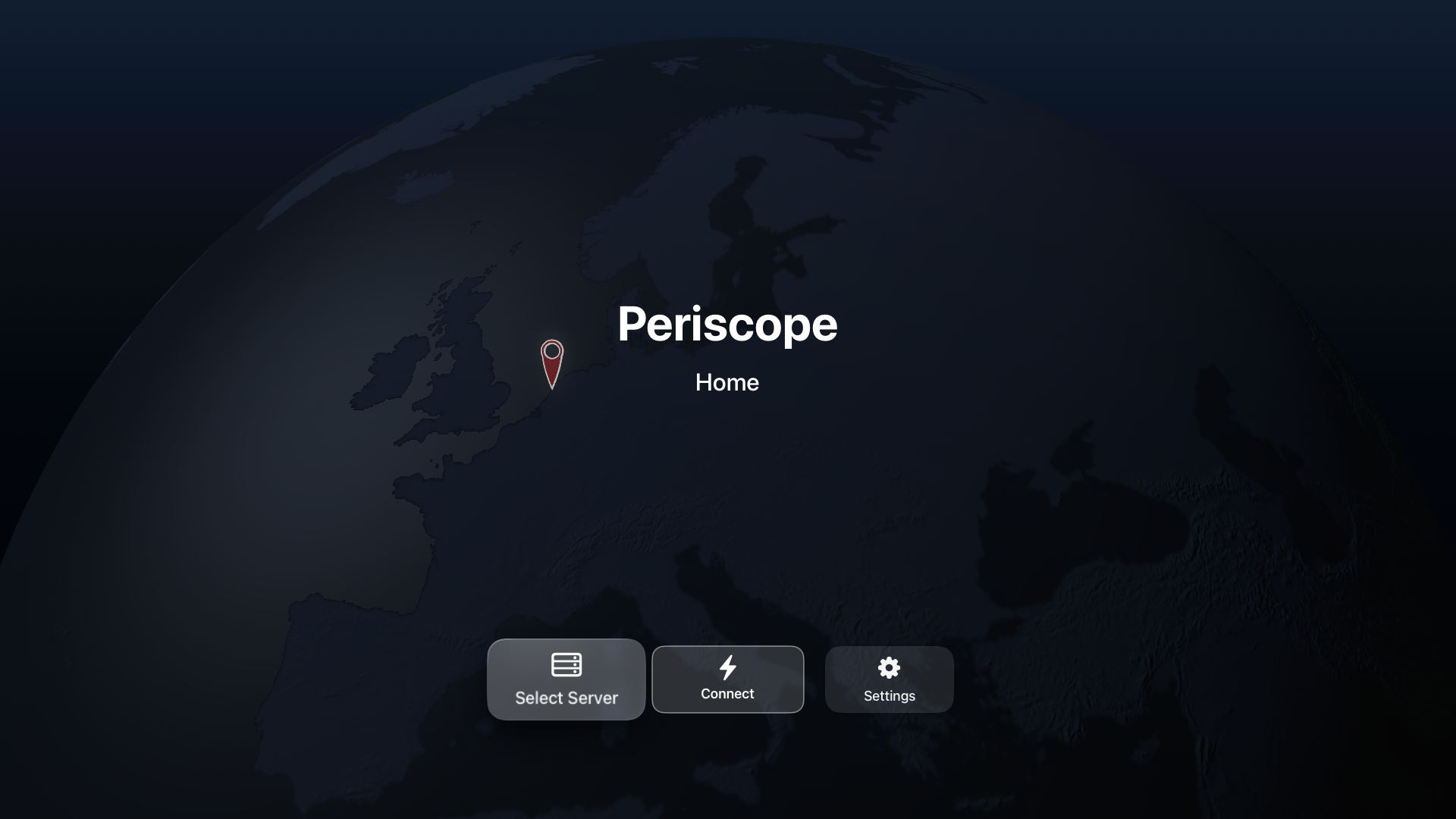
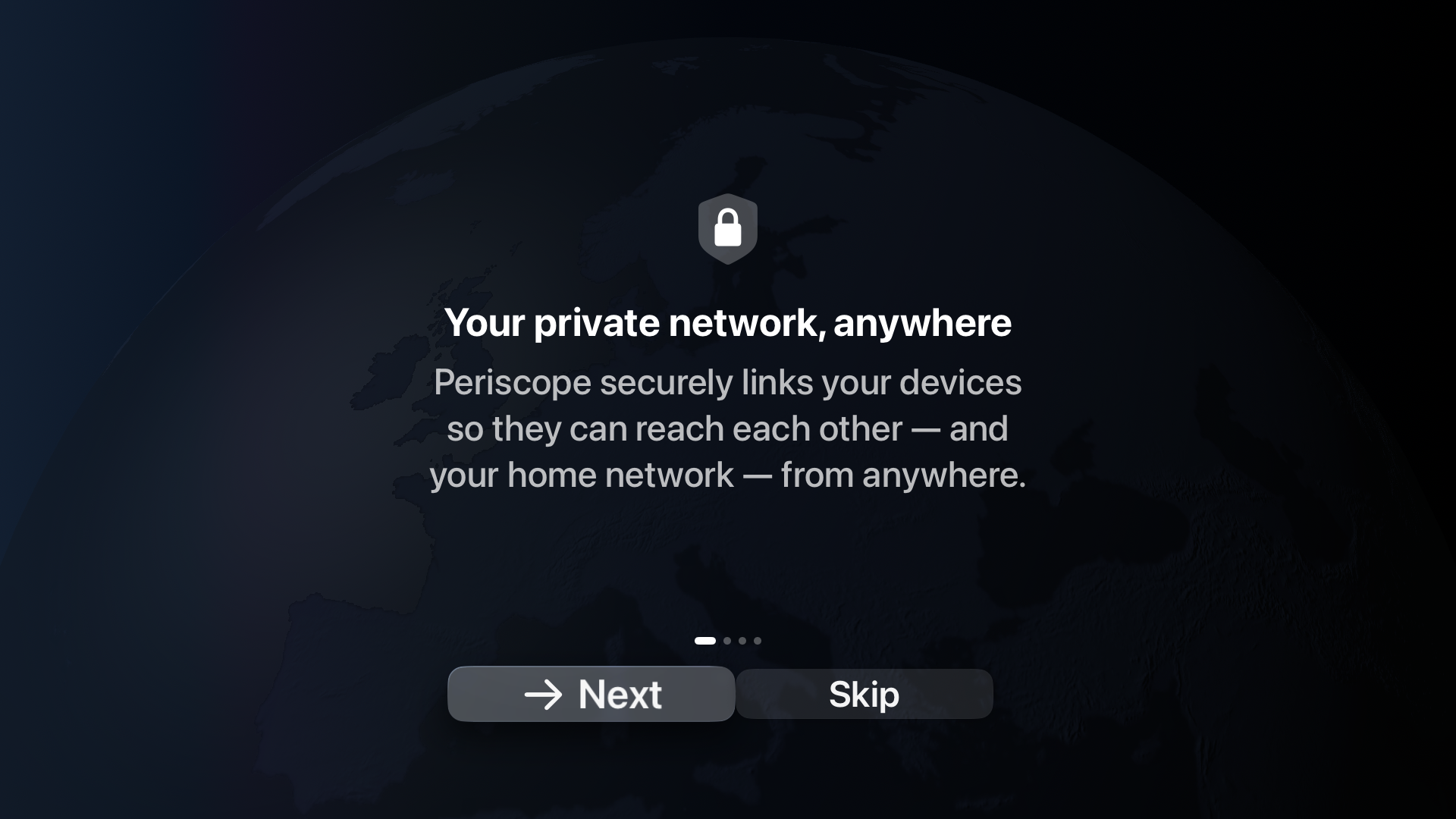
Logo pack, app icon and a demo video are available on request — email the press contact below.
Test the real thing before you write
The Apple TV app is in TestFlight beta, and we'll send you an invite on request. Subscriptions run against Apple's sandbox in TestFlight, so you can test the entire product — server mode included — without paying anything.
Request a beta invite Invites go out the same day. Please send the email address on your Apple ID — that's the one TestFlight invites are tied to.
Two things worth knowing while testing: make the Apple TV a home hub first, or tvOS will sleep it and the server will stop answering while you're away from it; and if the app asks you to subscribe again partway through, that's Apple's accelerated sandbox clock rather than a bug — re-subscribing is free.
Happy to provide an early build for other platforms, a walkthrough, or answers to technical questions about the architecture, the relay fallback and where it's weak.
Boilerplate
Short (50 words). Periscope by Duet is a personal tunnel that routes your connection through your own home instead of a third-party VPN server, giving you your real home IP anywhere. Built on WireGuard with no activity logs, it lets an Apple TV act as the always-on home server. Available on iPhone, iPad, Mac and Windows.
One line. Periscope routes your connection through your own home instead of a third-party VPN server, so you browse with your real home IP wherever you are — built on WireGuard, no activity logs, and an Apple TV can be the always-on home server.
Press contact
Peter Huszak · Duet, Inc.
peter@duetdisplay.com